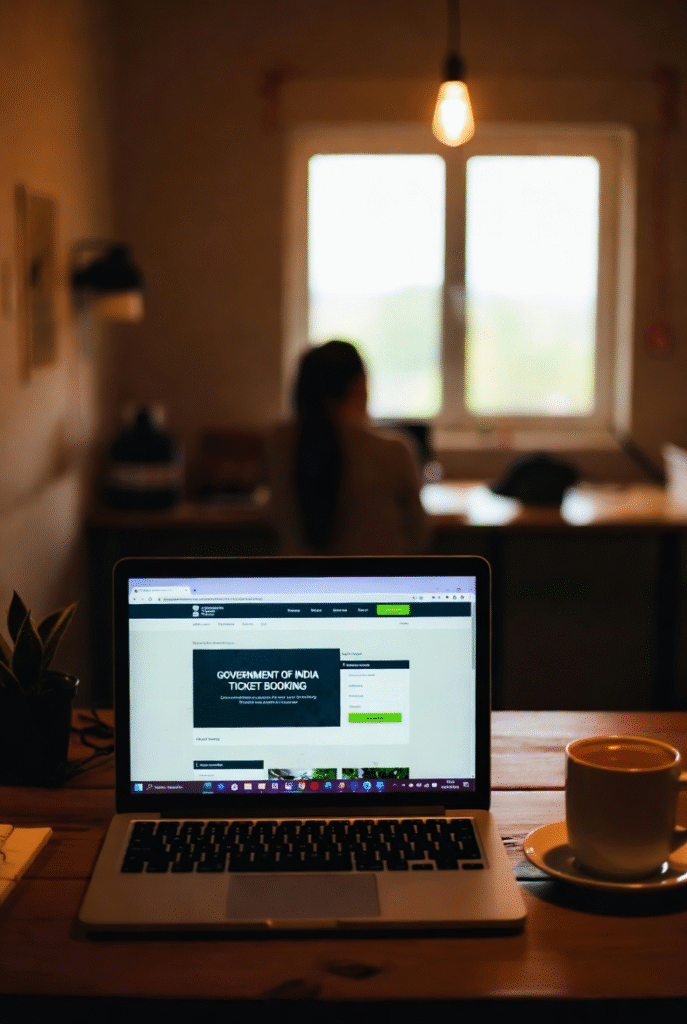
a cup of chai beside it, subtle tension in the air, cinematic lighting
It began as a simple favor.
A friend asked me to book two train tickets through our country’s official rail portal — the one everyone trusts for intercity journeys across Pakistan.
I logged in, selected the destination, and chose a widely-used mobile wallet app (the yellow digital payment service everyone uses). I approved the payment request — only to watch the screen flash a timeout error.
No ticket. Money gone.
I tried again. And again.
Every attempt failed — and every time, the payment vanished like smoke.
Eventually, I told my friend: “Go to the station counter. Manual booking is safer today.”
⚠️ The First Red Flag
Before closing the page, something caught my eye:
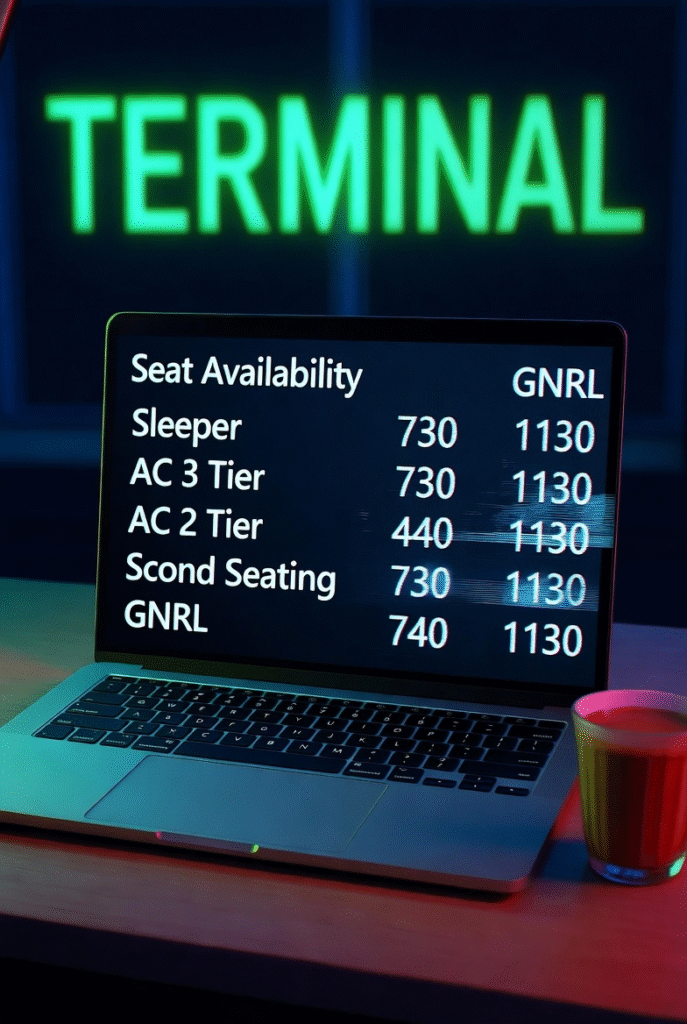
The same seats in the same coach were showing different fares every time —
sometimes cheap, sometimes triple the price.
A system glitch?
Or someone playing with the database?
At that moment, I shrugged it off.
I shouldn’t have.
🕳️ The Silent Setup — One Month Later
A month passed.
Another friend needed a ticket — so I returned to the same portal.
I entered my login details.
But instead of logging in, a red text warning appeared:
“To avoid failed bookings, install our official ticketing tool.”
It felt legit.
Same government logo.
Same domain.
Embedded inside the portal itself — not a pop-up, not an external site.
I clicked.
A file named PakRailTicketing_Browser.zip downloaded.
I extracted it.
It auto-installed.
I checked seats, saw availability, and left the PC idle while stepping away.
30 minutes later, I returned to a nightmare.
💀 The Heist
My system had been used remotely.
My freelancer balance platform (the global wallet platform used by remote workers) was open — and over $300 was drained via P2P transfer.
Impossible to reverse.
The receiver casually told me:
“I withdrew that money from a well-known global betting platform.”
My money became part of cyber laundering.
This wasn’t random theft.
It was professional.
🕵️♂️ The Real Discovery — A Remote Access Trojan
I dug deeper.
I learned the attackers had silently installed the DWService remote access client — giving them full control over my PC and files.
Even worse — they used the official railway server to host the Trojan installer.
The fake warning was injected inside the legitimate website.
I never left the official domain.
They hijacked trust itself.
Here is a portion of the hidden installation logs, confirming the breach:
2025-01-05 18:14:15 - Proxy NONE.
2025-01-05 18:14:15 - Make folder C:\Program Files\Audio...
...
2025-01-05 18:14:20 - Download file agentupd_win_x86_64.zip.OK!
2025-01-05 18:14:20 - Check file hash agentupd_win_x86_64.zip.OK!
...
2025-01-05 18:14:32 - Install service...
2025-01-05 18:14:37 - Install monitor.OK!
2025-01-05 18:14:42 - Shortcut - Installing...
2025-01-05 18:14:47 - End Installation.
These weren’t ordinary files — they were remote-control modules silently unpacking and launching inside my system.
This was a Trojan operation executed through an official government portal surface.
The kind of attack that belongs in cyber-thriller films — not real life.
Image Prompt: Malware installation logs scrolling on a terminal screen, cyber-breach theme, dramatic lighting, green matrix code aesthetic
🎯 What This Incident Teaches Us
Even official-looking software can be deadly.
Even trusted national portals can be compromised.
Today, cybercriminals don’t always trick you into shady sites —
they infect the place you already trust.
Trust is no longer automatic.
Online, trust must be verified — not assumed.
✅ Key Lessons
- Never download software from a website prompt — confirm from official app stores
- Enable system protection and real-time antivirus
- Logout wallets when idle
- Monitor logs and unknown services
- Trust nothing blindly — even “official instructions”
🔚 Final Thought
I wasn’t hacked because I was careless —
I was hacked because I trusted what looked official.
And that’s how modern cybercrime works:
not by breaking in —
but by disguising itself as the front door.
Stay alert.
Every click can open a door —
just make sure it’s not opening your system to someone else.